
Workshop
Introduction
Dino Hunters ships with full Steam Workshop support, allowing players to subscribe to community-made maps, weapon packs, dinosaur skins, and complete gameplay overhauls. The Workshop ecosystem is the heart of the game's longevity — once you've mastered the base biomes, Workshop mods add hand-crafted hunting reserves, historical hunting rifles, modern tactical carbines, realistic paleontology-inspired dinosaur recolors, and hardcore realism mods that rebalance bullet drop, scent tracking, and damage curves. Our mods guide covers the best Workshop submissions, installation via Steam, load order considerations, compatibility across patches, and tips for creators looking to upload their own mods using the official RaptorClaws modding tools.
Workshop Categories
| Category | Examples | Compatibility |
|---|---|---|
| Custom Maps | Hand-crafted hunting reserves | Active |
| Weapon Packs | Historical hunting rifles, modern carbines | Active |
| Dinosaur Skins | Paleontology-inspired recolors | Active |
| Gameplay Overhauls | Realism, hardcore mode, bullet drop | New |
Core Mechanics
Steam Workshop integration is enabled from launch. Players subscribe to mods through the Steam client, and the game auto-loads them at startup. Mod categories include custom maps (hand-crafted hunting reserves with curated dinosaur lineups), weapon packs (historical hunting rifles and modern tactical carbines), dinosaur skins (paleontology-inspired recolors and rare albino variants), and gameplay overhauls (realism mods that rebalance bullet drop, scent tracking, and damage curves). Load order matters — mods that override default weapon stats should load after visual mods. The RaptorClaws modding tools include a level editor, weapon configuration files, and a scriptable dinosaur AI system. Most mods are forward-compatible across patches, but verify per build before relying on a specific mod for a competitive contract.
Advantages
Steam Workshop integration ensures the game has unlimited replay value through community-created content. Custom maps add hand-crafted hunting reserves that the official developers never had time to build. Weapon packs introduce historical hunting rifles and modern tactical carbines not in the base game. Dinosaur skins let you customize the appearance of every species with paleontology-accurate recolors. Gameplay overhauls rebalance bullet drop, scent tracking, and damage curves for hardcore realism fans. The modding community is supported with official tools, documentation, and a Steam Workshop upload pipeline — making it easy for creators to share their work with the broader community.
Challenges
Workshop mod quality varies widely — top mods are carefully curated and tested, but lower-tier mods may have bugs, performance issues, or compatibility problems. Mod load order matters and can cause conflicts between mods that override the same game systems. Hardcore realism mods may make the game significantly harder, and some players may not enjoy the increased difficulty. Not all mods are multiplayer-compatible — verify per mod before loading into a co-op session. Mod creators may abandon their projects, leaving you with broken mods after major patches. The official modding tools are functional but not as polished as some modding communities (Skyrim, Fallout).
Frequently Asked Questions
How do I install mods?+
Are mods free?+
Will mods break with patches?+
Can I create my own mods?+
Quick Tips
Custom maps offer hand-crafted hunting reserves with curated dinosaur lineups — start with the most-subscribed maps to find quality content.
Weapon packs add historical hunting rifles and modern tactical carbines — load them after visual mods to avoid stat override conflicts.
Dinosaur skins recolor species with paleontology-accurate references — pure cosmetic, never affects gameplay stats.
Gameplay overhauls rebalance bullet drop, scent tracking, and damage curves — hardcore mode for realism fans. Verify multiplayer compatibility before loading into co-op.
Featured
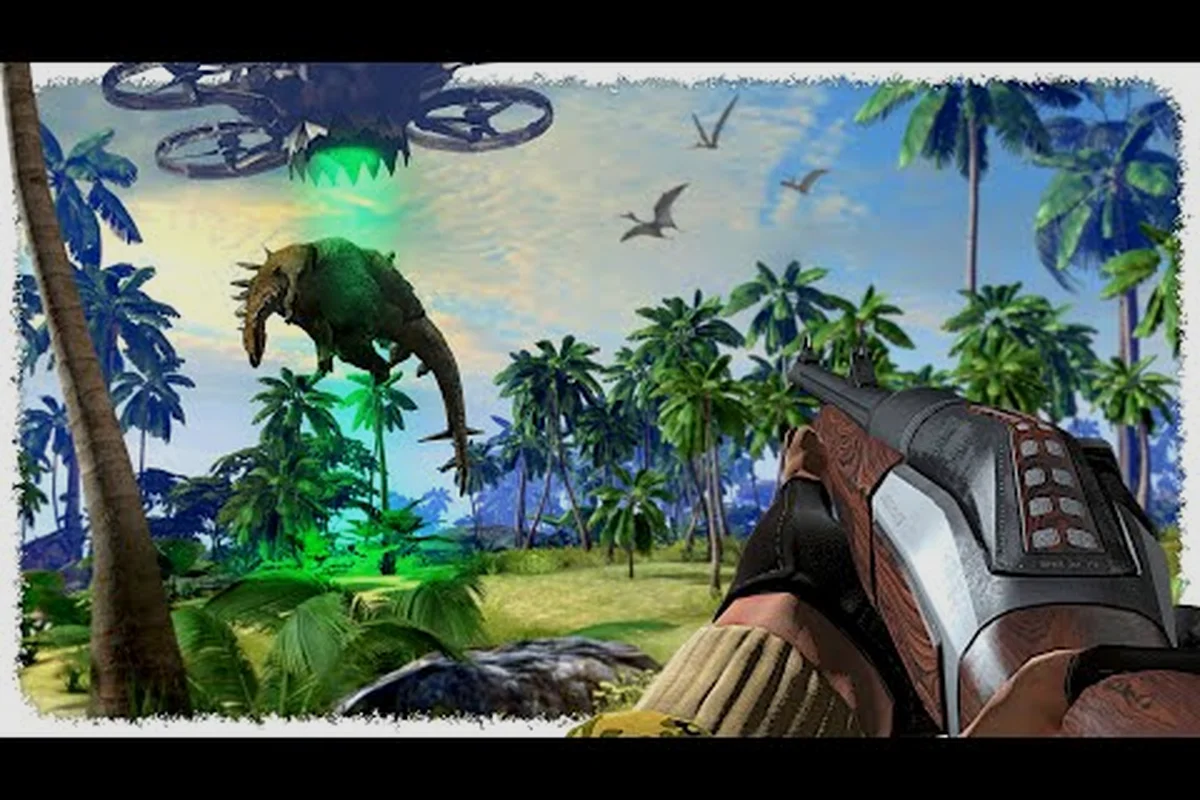
Dino Hunters Steam Workshop: Getting Started with Mods
Get started with Dino Hunters Steam Workshop mods. Browse, install, and manage mods safely. Best mods for new players and modding FAQs.
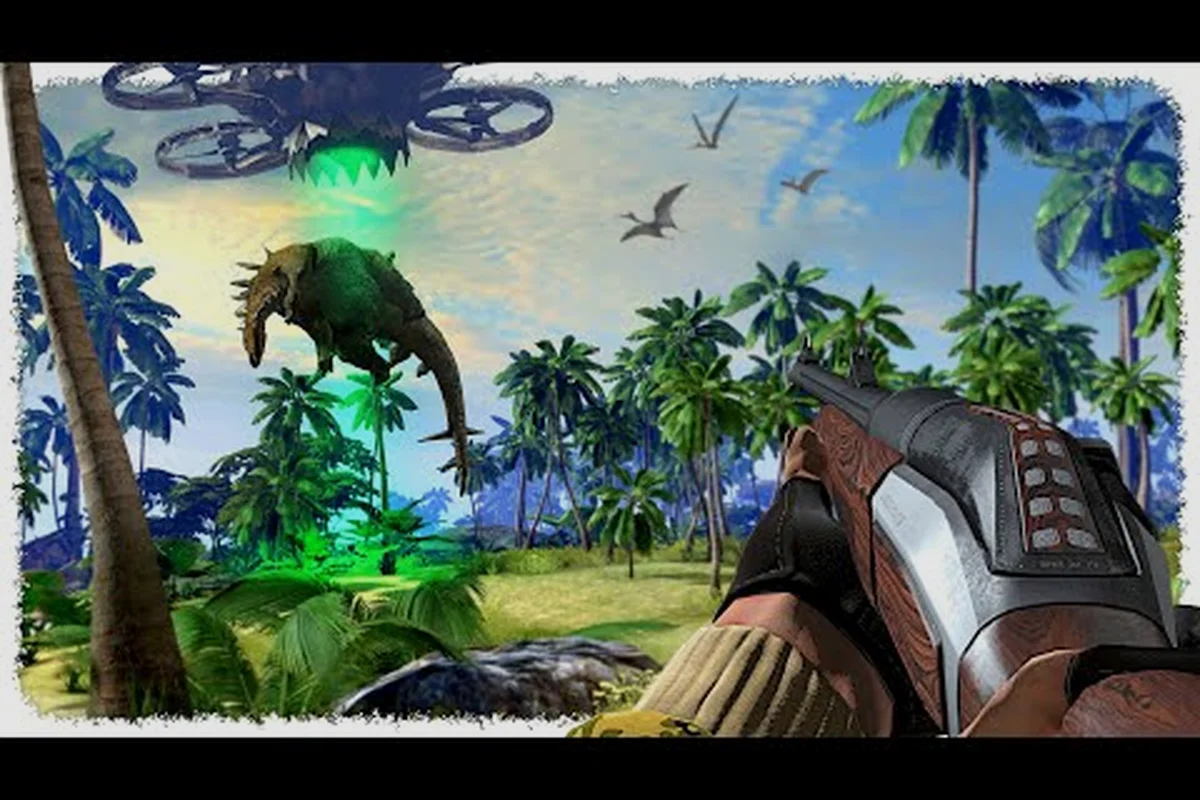
Dino Hunters Best Mods: Top Community Workshop Picks
Discover the best Dino Hunters mods on Steam Workshop. Top-rated mods for weapons, maps, dinosaurs, and quality-of-life improvements.
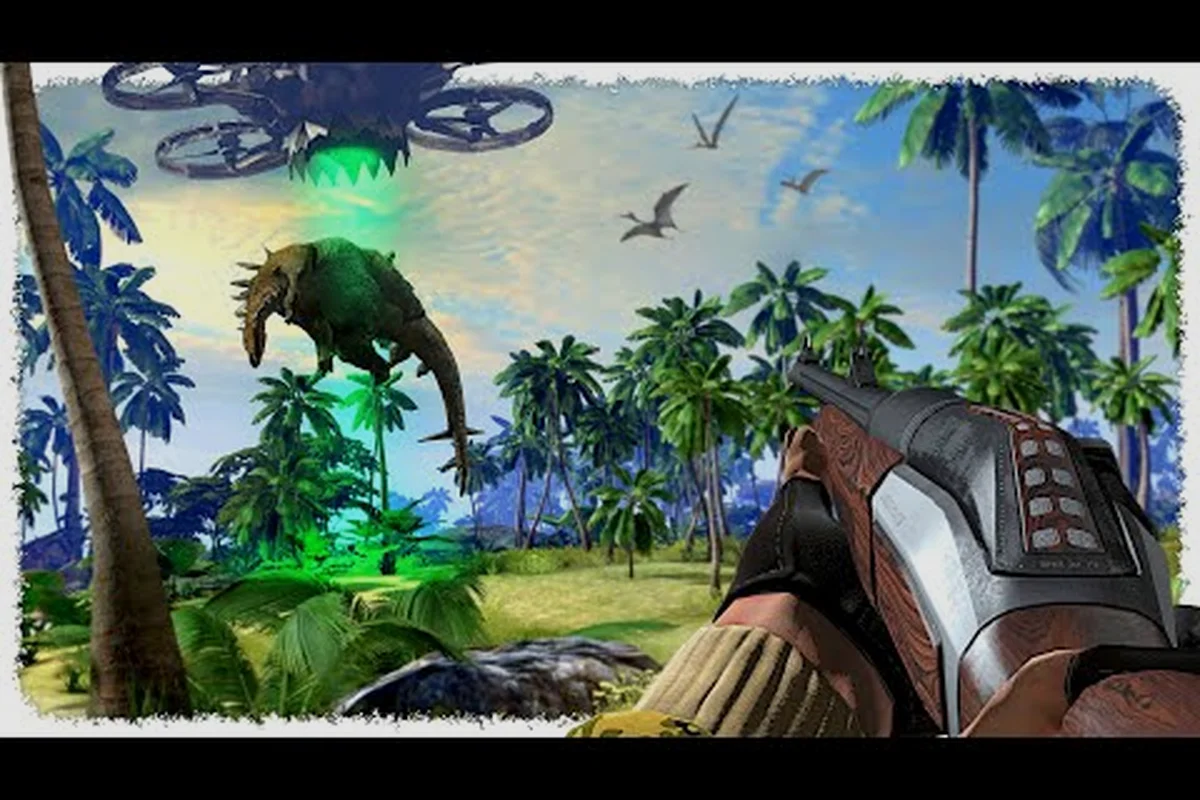
Dino Hunters Custom Map Modding Guide: Create Your Own Biome
Create custom maps for Dino Hunters. Step-by-step guide to biome design, asset placement, dinosaur spawning, and Steam Workshop upload.
All Articles
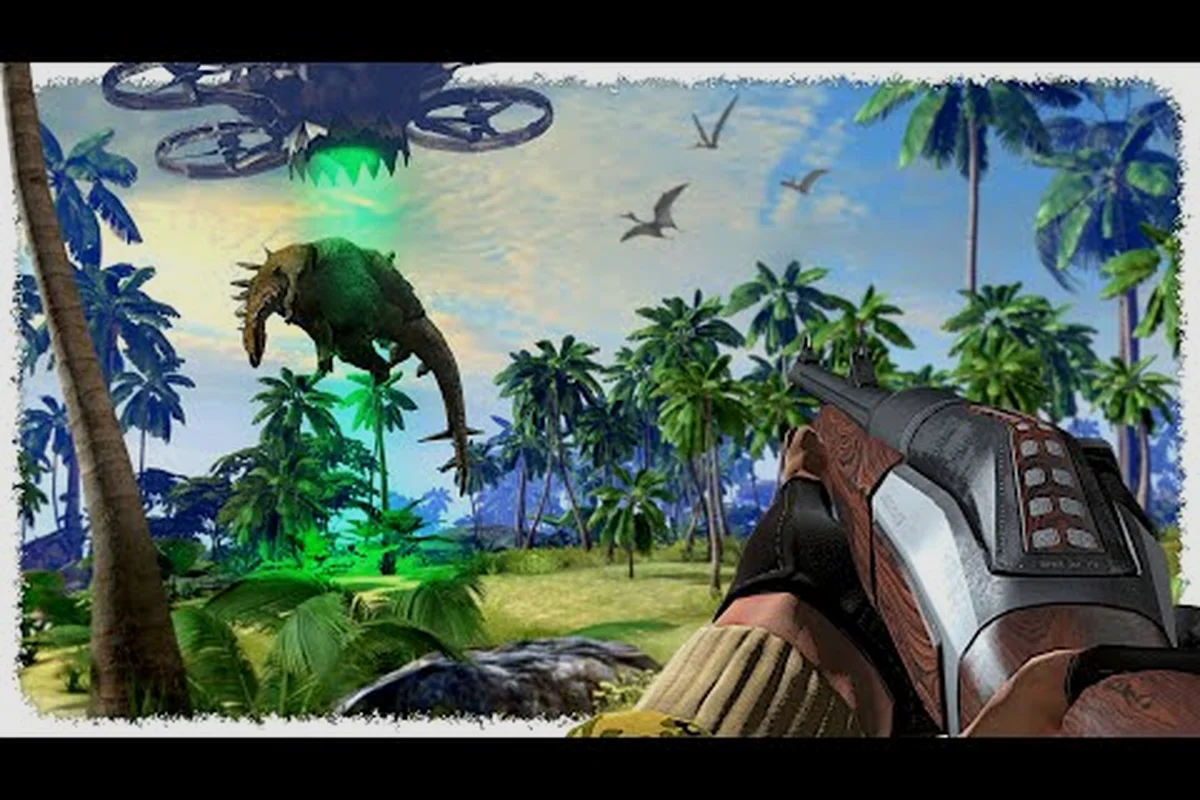
Dino Hunters Mod Compatibility & Load Order Guide
Resolve Dino Hunters mod conflicts and optimize load order. Compatibility matrix, troubleshooting tips, and best practices for mod installation.
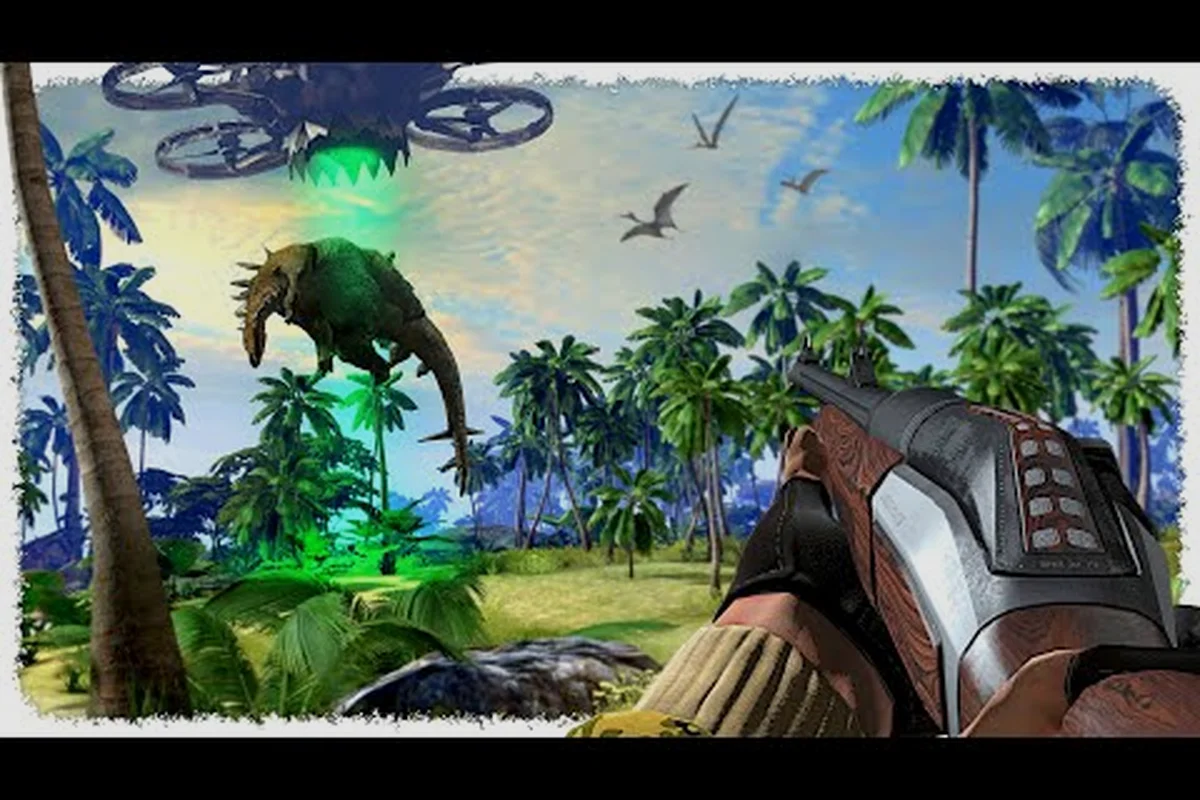
Dino Hunters Install Mods Safely: Security and Best Practices
Install Dino Hunters mods safely with security best practices. Avoid malware, verify mod sources, and protect your game and PC.